Square
Square connections give you access to your organization’s point-of-sale digital payment and financial data.
Source Setup
Etleap uses OAuth to authenticate with Square. Perform the following steps within your Square developer account to enable API access.
-
Login to Square and go to your Developer Dashboard .
-
Open the Square Application you want to be associated with your Etleap connection.
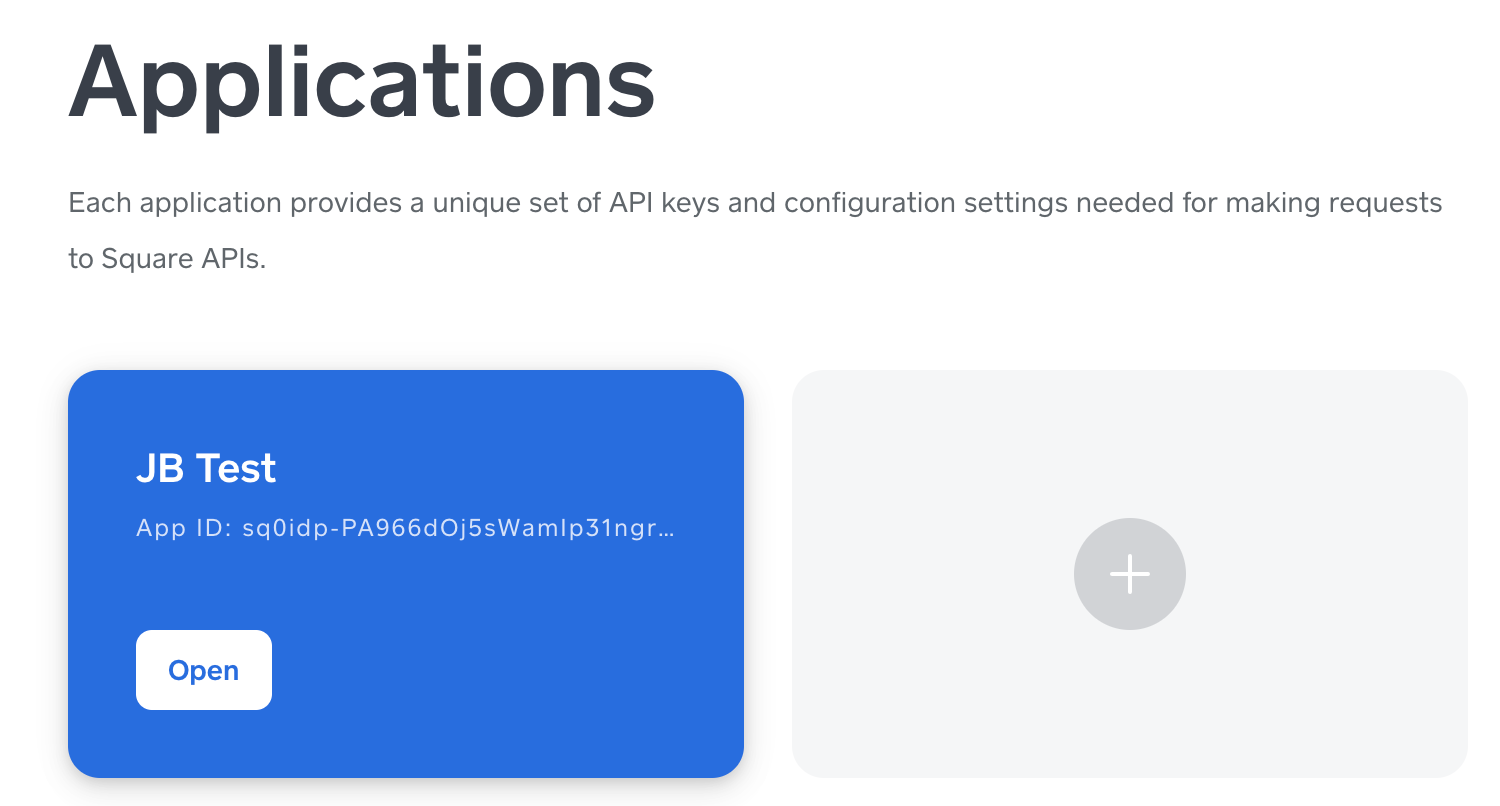
-
Select OAuth on the navigation pane on the left side of the screen.
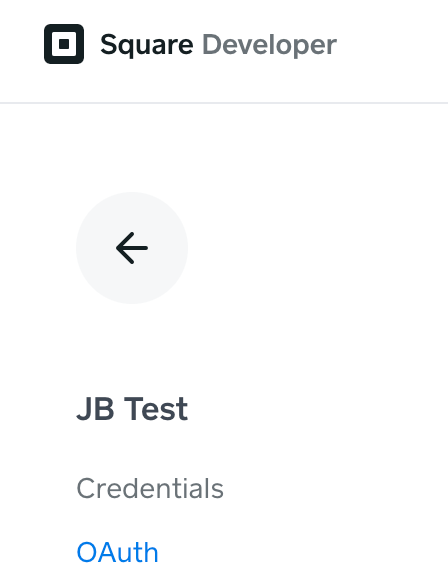
-
Paste “https://api.etleap.com/web/v1/connection/oauth2Callback/SQUARE” into the Redirect URL field.
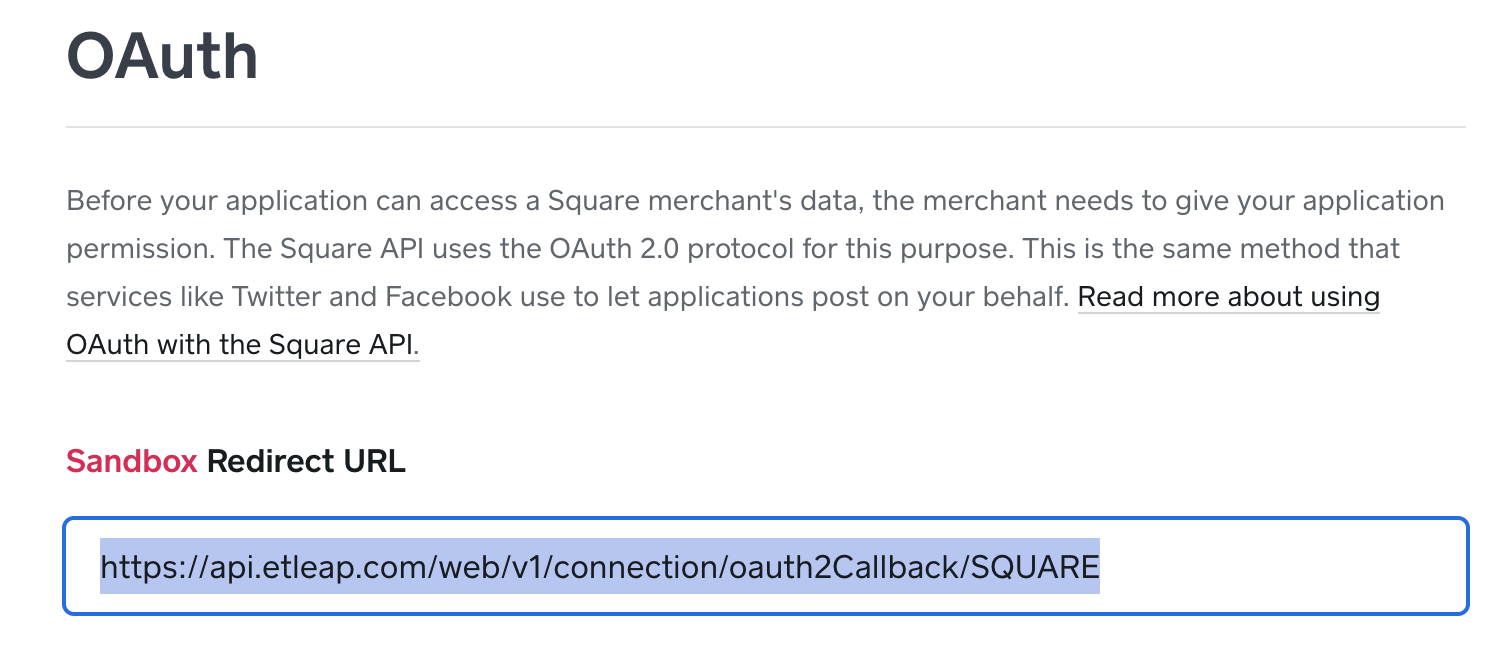
-
Click Save at the bottom of the page.
-
You will need to access the Application ID and Application Secret values when creating a connection in Etleap.
Prefer using an API? Go here and select Square under the Body Header to create your connection via API.
What Data is Available?
Update-Mode Deletes Support
Deletes are not supported for update-mode entities with this connector.
You can create Square pipelines with the following entities:
| Entity | Pipeline Mode | Iceberg Support |
|---|---|---|
| Catalog | Update | - |
| Customers | Update | - |
| Loyalty Accounts | Replace | Batch |
| Loyalty Events | Update | - |
| Loyalty Rewards | Replace | Batch |
| Orders | Update | - |
| Refunds | Update | - |