Freshdesk
Freshdesk connections give you access to your company’s customer support data.
Source Setup
To create a Freshdesk connection follow these steps:
-
Find your domain names for Freshdesk, it’s the root name that precedes freshdesk.com (e.g., https://domain.freshdesk.com/).
-
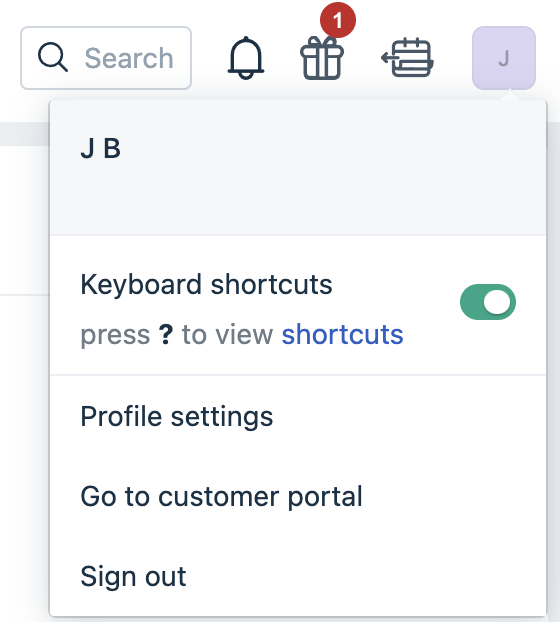
Obtain your API Keys for Freshdesk: Click on your profile icon in the top right of your account and select Profile settings. Your API key will be displayed.
Prefer using an API? Go here and select Freshdesk under the Body header to start creating a connection via API.
What Data is Available?
Update-Mode Deletes Support
Deletes are not supported for update-mode entities with this connector.
Check out the Freshdesk entities and relationships that you can load to your destination below.
You can create Freshdesk pipelines with the activities and entities specified below:
| Entity | Pipeline Mode | Iceberg Support |
|---|---|---|
| Tickets | Update | Streaming |
Key Considerations
Freshdesk has rate limits based on your account’s plan. Please refer to Freshdesk’s rate limit here to learn more.