Facebook Ads
Facebook Ads connections give you access to your company’s Facebook ads statistics data.
Source Setup
We use OAuth to authenticate with Facebook. The connection setup page will forward you to Facebook to authenticate and authorize Etleap to extract ads data from your Facebook account.
For Lead Ads, Etleap will extract leads data for ads belonging to pages the user has given permission to. If you want to extract leads data for all pages, make sure to give access for leads retrieval to all current and future pages. 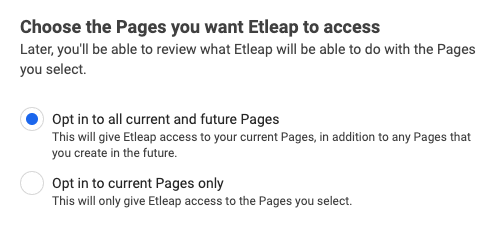
What Data is Available?
Update-Mode Deletes Support
Deletes are not applicable for this connector as pipelines handle reporting rather than entity data.
Etleap supports extracting leads, insights, and ad object data for the following Facebook Ads types:
Iceberg-Only Entities
The Ads, Ad Sets, Campaigns, and Ad Creatives entities are only available for pipelines loading data to Iceberg destinations.
Data for each Facebook Ad report type (insights) data is extracted as fields . Moreover, you can choose different breakdowns for each report type, which help to group your insights data into different subsets. Facebook restricts the combinations of breakdowns. You can explore which combinations of breakdowns are valid here .