Impact
Impact connections give you access to everty type of partnership from your business.
Source Setup
Please perform the following steps within your Impact account to verify API access.
-
Sign in to your Impact account.
-
Click on the 3 dot icon at the bottom left of the screen and select Settings.

-
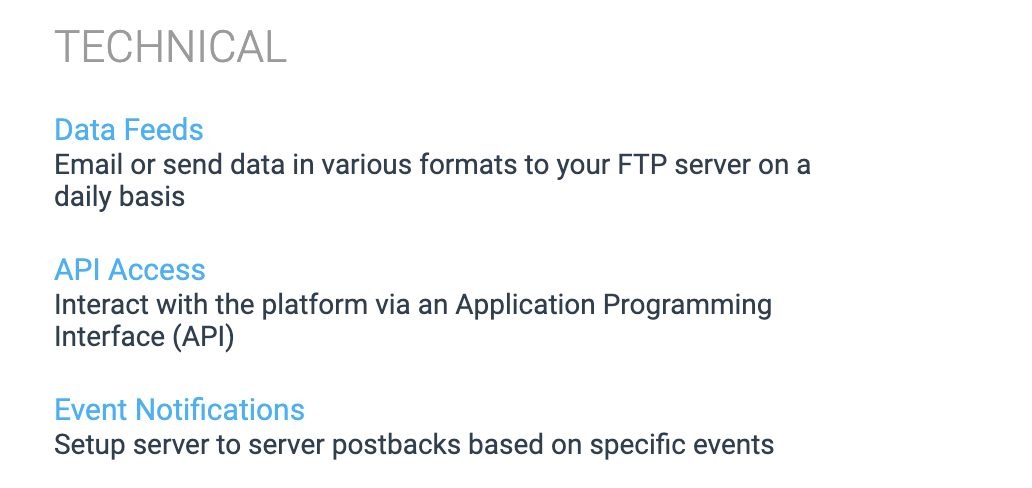
Select API Access under the Technical section.
-
Use the Account SID and Auth Token when creating a connection.
-
Grant your auth token
PUTaccess in Impact. This additional access is used only for the request to Replay a Job , which is made when extractions from Impact fail.
Prefer using an API? Go here and select Impact under the Body header to create a connection via API.
What Data is Available?
Update-Mode Deletes Support
Deletes are not supported for update-mode entities with this connector.
Impact offers three integration APIs: Brand API , Publisher API , and Solution Provider API . The connection is currently configured to retrieve reports available in the Publisher API .
You can create Impact pipelines with the following entities:
For entities with *, Etleap will do an initial catch-up for update-mode extractions starting from 10 years ago. After that, it will fetch all the new and updated records from the last 90 days.
Key Considerations
Every Impact connection represents one specific account.