Values Must Be Unique
When configured, uniqueness checks notify you of duplicate values that exist in the same file for a specified column, and prevent them from being loaded to your destination.
Important
Uniqueness is evaluated per file. If the same value appears in different files, it will not be flagged as a duplicate.
Example
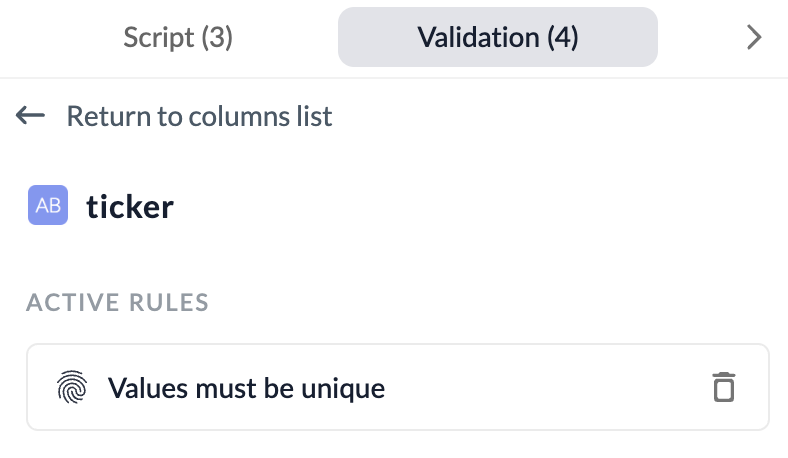
Values Must Be Unique: ticker
| ticker | open_price |
|---|---|
| AAPL | 253.37 |
| GOOG | 285.85 |
| MSFT | 368.89 |
| AAPL | 253.37 |
Configuration
Key Considerations
- Unique checking is only available for file-based sources.
- Uniqueness is determined within the scope of a single file. Values that repeat across different files will not be flagged as duplicates.
- Once the uniqueness constraint is broken, all rows that break the constraint are held from being loaded.
- Uniqueness checks can only be added to String and Integer column types.
- A uniqueness check cannot be applied across multiple columns that create a composite key (e.g.
id + date). To enforce uniqueness for a composite key, you can create a new column in the Wrangler that concatenates the values of the relevant columns, and then apply a unique check to that new column.